Organize Food Inventory Before Counting
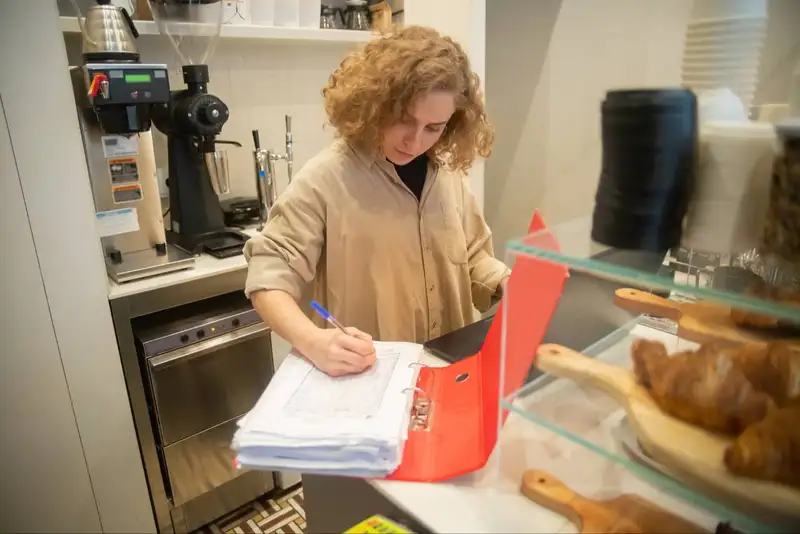
Start by grouping food inventory by storage location and category. For example, keep dairy products together in the walk-in, frozen proteins in designated freezer sections, and dry goods such as flour, rice, and canned products in clearly labeled areas. Within each section, arrange similar products together so employees can move through the count in a logical order.
Use consistent item names across inventory records, invoices, and count sheets. If one employee records an item as "mozzarella cheese" while another uses "pizza cheese," the difference can create confusion and inaccurate records. Standardizing product names, package sizes, and units of measurement makes inventory easier to compare over time.
Before counting, restaurant owners should also -
- Label shelves and storage areas clearly.
- Remove empty containers and expired products.
- Separate damaged or unusable inventory.
- Arrange products so labels and quantities are visible.
- Organize the inventory sheet in the same order as the physical storage area.
A well-organized food inventory system makes counts faster, reduces errors, and creates a more reliable starting point for tracking ingredient usage and food costs.
Consistent Inventory Counting Schedule

Many restaurants perform a full inventory count weekly, often at the end of the same business day each week. High-cost or fast-moving ingredients, such as meat, seafood, dairy, and alcohol, may need to be counted more frequently. Some restaurants also conduct daily spot counts on critical items to prevent stockouts and catch unexpected usage quickly.
Choose a counting schedule based on how quickly each item moves and how important it is to restaurant operations. For example -
1. Daily - High-value, high-usage, or frequently wasted ingredients.
2. Weekly - Most food inventory used for regular cost tracking and ordering.
3. Monthly - Slow-moving products or broader financial reporting purposes.
Try to conduct counts at approximately the same time of day and under similar operating conditions. Counting after closing, for example, can help reduce inventory movement while employees are recording quantities.
Assign clear responsibility for each count and use the same counting procedures each time. A consistent schedule creates comparable data, making it easier to identify inventory trends, monitor food usage, and spot potential problems before they become costly.
Get Accurate Inventory Valuations
Manage Your Workforce with Altametrics
Count Every Food Item Accurately
Start with unopened products, which are usually the easiest to count. Record the number of full cases, boxes, bottles, bags, or individual units on hand. For partially used products, estimate or measure the remaining quantity as accurately as possible.
Use the same unit of measurement every time you count an item. Depending on the ingredient, this may include -
1. Each - Individual items such as avocados, eggs, or packaged desserts.
2. Weight - Products measured in pounds, ounces, kilograms, or grams.
3. Volume - Liquids measured in gallons, liters, cups, or fluid ounces.
4. Cases or packs - Products purchased and stored in standardized packaging.
For example, if chicken is tracked by pounds, avoid recording one count in cases and another in individual portions. Consistent units make it easier to compare inventory levels and calculate usage later.
Count inventory systematically by moving through each storage area in the same direction every time. Avoid skipping shelves or switching between locations during the count.
For greater accuracy, restaurants can also use scales for partial products and standardized estimates for opened containers. The goal is to create a repeatable counting process that produces reliable food inventory data from one period to the next.
Record Inventory Quantities and Unit Costs
For every ingredient, capture the key details needed to calculate inventory value accurately. These typically include -
1. Item name - Use the same product name during every count.
2. Quantity on hand - Record the amount currently in storage.
3. Unit of measurement - Use cases, pounds, ounces, bottles, or another consistent unit.
4. Unit cost - Enter the current cost for each unit.
5. Total value - Multiply the quantity on hand by the unit cost.
For example, if a restaurant has 8 cases of cooking oil and each case costs $32, the inventory value is =
8 cases x $32 = $256
Unit costs should also be updated whenever supplier prices change. Using outdated prices can make total inventory value and food cost calculations less accurate.
Restaurants should avoid mixing purchasing units and counting units without a clear conversion method. If an ingredient is purchased by the case but counted by individual units, record how many units each case contains.
Keeping quantities and costs standardized makes food inventory records easier to review and provides a reliable foundation for calculating food usage, monitoring cost changes, and planning future purchases.
Track Food Purchases and Deliveries

Start by comparing each delivery against the purchase order and supplier invoice. Confirm that the restaurant received the correct products, quantities, package sizes, and prices. If an item is missing, substituted, damaged, or delivered in the wrong quantity, record the difference before updating inventory records.
For each purchase, track details such as -
1. Delivery date - Record when the products arrived.
2. Item received - Use the same standardized item name used in inventory counts.
3. Quantity received - Document the number of cases, units, pounds, or other measurements.
4. Unit cost - Record the current purchase price.
5. Supplier - Note where the item was purchased.
6. Invoice total - Keep the purchase amount available for reconciliation.
Receiving procedures should also include checking food quality, temperatures, expiration dates, and packaging condition before products are accepted and stored.
Once the delivery is verified, update the food inventory records promptly. Delayed updates can make recorded inventory levels different from what is physically on hand.
Consistent purchase tracking gives restaurant owners a clearer view of how much inventory is being added between counts and provides the information needed to calculate food usage accurately.
Transform Your Restaurant Operations Now!
Effortless Inventory Tracking with Altametrics!
Calculate Food Inventory Usage
A common formula is -
Beginning Inventory + Purchases - Ending Inventory = Food Used
For example, suppose a restaurant starts the week with $8,000 in food inventory, purchases another $5,000 during the week, and finishes with $7,000 in inventory -
$8,000 + $5,000 - $7,000 = $6,000 in food used
This calculation shows the value of inventory consumed during that period. However, restaurant owners should remember that food usage can include more than customer sales. Waste, spoilage, employee meals, complimentary items, and transfers can also affect inventory levels.
For more detailed tracking, compare actual food usage with expected usage based on sales and recipe quantities. Large differences may point to issues such as overportioning, inaccurate counts, unrecorded waste, receiving errors, or theft.
Calculating food inventory usage consistently gives owners a clearer view of how quickly ingredients are moving through the restaurant. It also provides useful data for monitoring food cost, adjusting purchasing levels, and improving inventory control over time.
Waste, Spoilage, and Inventory
Create a standard process for documenting inventory adjustments as they happen. For each adjustment, record -
1. Item name - Identify the ingredient or product affected.
2. Quantity - Record how much was removed, added, or transferred.
3. Reason - Note whether the adjustment was caused by spoilage, preparation waste, breakage, employee meals, or another issue.
4. Date and time - Document when the adjustment occurred.
5. Employee or manager - Record who entered or approved the adjustment.
Waste should be tracked separately whenever possible. Common categories include expired food, overproduction, preparation mistakes, incorrect orders, dropped items, and damaged deliveries.
Restaurants with multiple locations should also document inventory transfers between stores so products are removed from one location and added to another accurately.
Regularly reviewing these records can help restaurant owners identify patterns. Repeated spoilage may indicate excessive ordering, while frequent preparation waste may point to portioning or training issues.
Accurate adjustment records make food inventory data more reliable and help explain why actual inventory may differ from expected levels.
Review and Update
Start by looking for significant differences between actual inventory and expected inventory. Large variances may indicate counting errors, overportioning, unrecorded waste, receiving mistakes, theft, or inaccurate recipe quantities.
During each review, pay attention to -
1. Inventory variance - Compare expected quantities with what is physically on hand.
2. Usage trends - Identify ingredients being consumed faster or slower than usual.
3. Waste patterns - Look for products that are frequently spoiled, discarded, or overproduced.
4. Par levels - Adjust minimum and maximum stock levels based on actual demand.
5. Unit costs - Update ingredient prices when supplier costs change.
6. Slow-moving items - Identify products tying up cash or approaching expiration.
Inventory records should also be updated whenever recipes, suppliers, package sizes, or menu items change. Keeping outdated information in the system can make future counts and food cost calculations less reliable.
Regular reviews turn food inventory tracking into a useful management tool. Over time, accurate records can help restaurant owners order more efficiently, reduce unnecessary waste, prevent stockouts, and maintain better control over food costs.
Streamline Your Inventory. Order Smartly.
Start Simplifying Your Orders with Altametrics
Frequently
Asked Questions
How do restaurant owners track high-cost ingredients?
How can restaurants reduce food inventory waste?
What is ending food inventory?
What is the beginning food inventory?
Must-Read Content
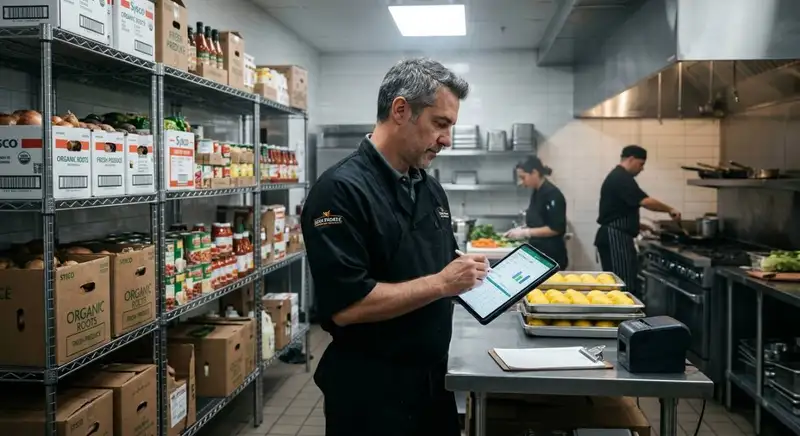
How to Reduce Supply Costs in Your Restaurant
Cut restaurant supply costs by understanding spending, auditing expenses, engineering menus, negotiating with suppliers, controlling inventory, reducing waste, and using technology to monitor everything continuously.
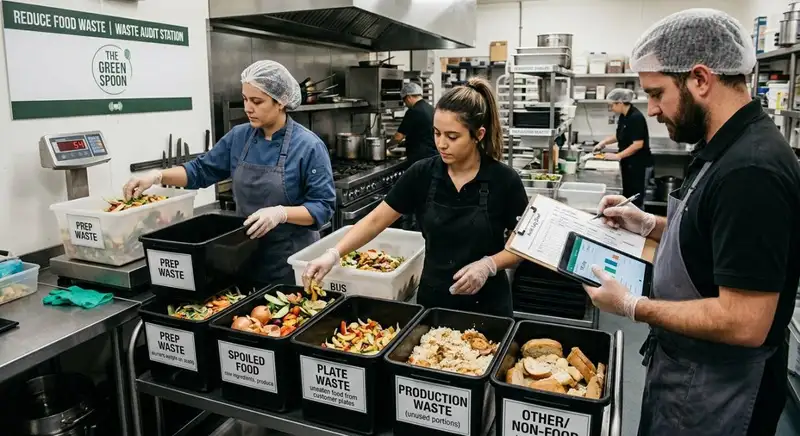
How to Conduct a Food Waste Audit in Your Restaurant
A food waste audit helps restaurant owners identify waste sources, track costs, improve inventory management, reduce food waste, and increase profitability.

The Complete Guide to Bar Inventory Management for Restaurants
This guide covers bar inventory management essentials - counting, tracking, ordering, storage, variance control, and cost strategies for restaurant profitability.