Overview
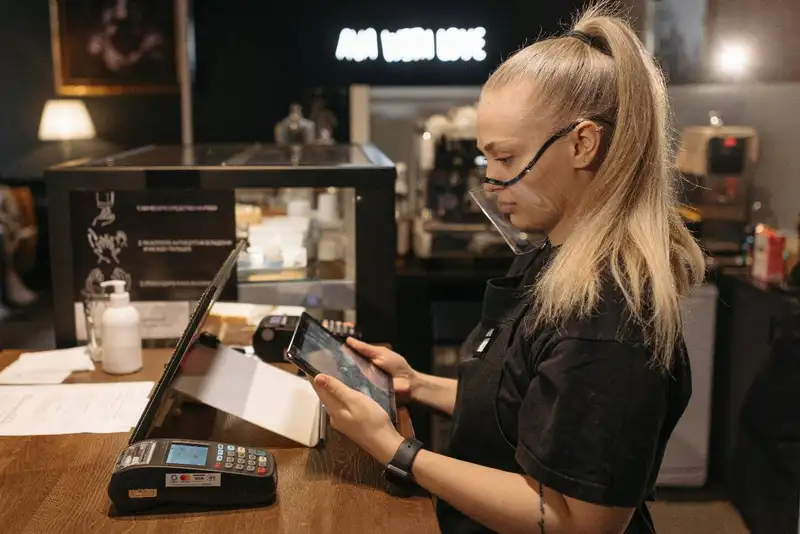
If you own a small restaurant, you may want a simple and affordable POS that's easy to set up and use. A medium-sized restaurant may need extra features, like better reporting tools and online ordering options. Large restaurants or chains often require more advanced systems that can handle multiple locations, a high number of transactions, and detailed inventory tracking.
Different types of restaurants - whether quick-service, full-service, or food trucks - also have unique needs when it comes to POS systems. The right choice can help speed up service, reduce mistakes, and improve customer experience.
Key Factors to Consider

1. Ease of Use
Your POS system should be simple to navigate so your staff can learn it quickly. A complicated system slows down service, causes mistakes, and frustrates employees. Look for an intuitive interface that helps staff take orders, process payments, and manage tables effortlessly.
2. Integration with Other Systems
A good POS system should work well with other tools you already use, such as inventory management, accounting, and payroll software. If you offer online ordering or delivery, the POS should integrate with those platforms to avoid manual data entry.
3. Scalability
If you plan to expand your restaurant in the future, choose a POS system that can grow with your business. A small cafe may not need advanced features now, but if it turns into a multi-location restaurant, you'll need a system that supports multiple locations, detailed reporting, and central management.
4. Hardware and Software Requirements
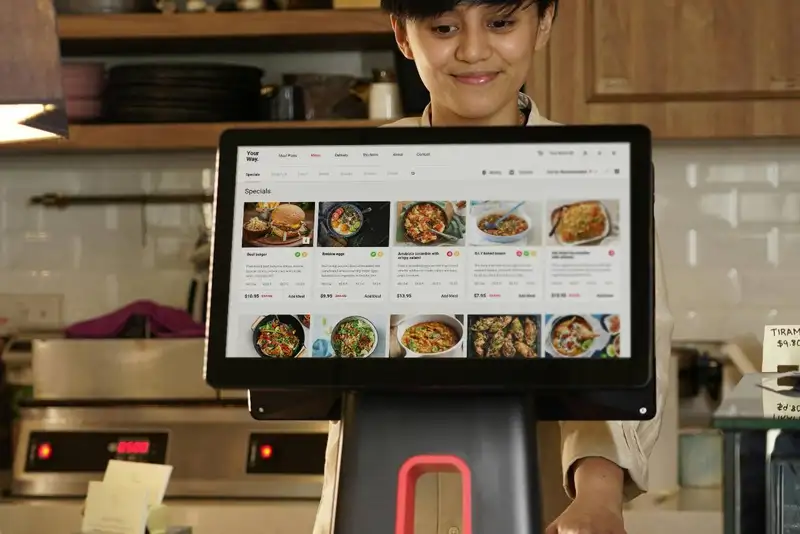
Some POS systems run on tablets, smartphones, or computers, while others require specific hardware like touchscreen terminals and receipt printers. Make sure the system you choose fits your restaurant's workflow.
By considering these factors, you'll be able to pick a POS system that fits your restaurant's needs, improves efficiency, and helps you capture more sales.
Simplify Multi-Channel Ordering
Get started with Altametrics to streamline your POS!
Best POS Features for Small Restaurants
1. Easy Setup and User-Friendly Interface
A small restaurant's POS system should be quick to install and easy to use. Staff should be able to learn it within minutes to keep service smooth and avoid long wait times for customers.
2. Mobile and Cloud-Based Options
Many small restaurants benefit from cloud-based POS systems that can be accessed from a tablet or smartphone. This allows for flexibility, as owners can monitor sales and transactions remotely without needing to be at the restaurant at all times.
3. Order Management and Payment Processing
Efficient order management is essential for small restaurants to keep service running smoothly. A good POS system should make it easy to take dine-in, takeout, and online orders all from one platform. Fast and secure payment processing, including contactless and mobile payments, is also a must.
4. Basic Inventory Tracking
Small restaurants don't need complex inventory systems, but having a POS that can track ingredient usage and send alerts when supplies run low can help prevent shortages and overstocking.
By choosing a POS system with these features, small restaurant owners can focus on serving customers efficiently while keeping costs under control.
Best POS Features for Medium-Sized Restaurants
1. Multi-Location and Multi-Device Support
Many medium-sized restaurants operate in multiple locations or have different service areas within a single restaurant. A POS system that supports multiple devices - such as front-of-house tablets, kitchen display screens, and self-order kiosks - can help streamline service and reduce wait times.
2. Advanced Order and Table Management
With more tables and a higher number of daily transactions, efficient order management is essential. A good POS system should allow staff to modify orders easily, split bills, and transfer tables when needed. Features like course-based serving (for appetizers, entrees, and desserts) help ensure a smooth dining experience.
3. Real-Time Reporting and Analytics
Medium-sized restaurant owners need access to real-time reporting to track sales, customer preferences, and peak service hours. A POS system with detailed reports and analytics helps managers make informed decisions about menu adjustments, staffing, and promotions.
4. Online Ordering and Delivery Integration
A growing number of customers prefer ordering online for pickup or delivery. A POS system with seamless online ordering integration prevents delays, reduces manual entry errors, and ensures that all transactions are recorded in one place.
By selecting a POS system with these features, medium-sized restaurants can improve efficiency, reduce errors, and maximize profits.
Best POS Features for Large Restaurants and Chains
1. Enterprise-Level Management Tools
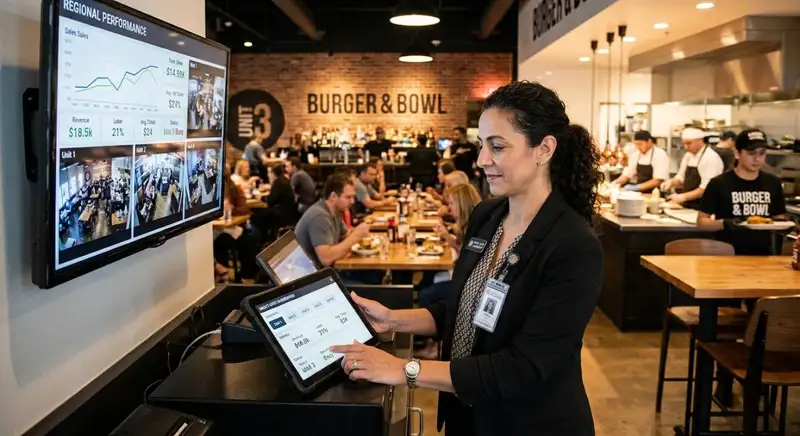
Managing a large restaurant or chain requires a centralized dashboard that provides a complete view of sales, inventory, and employee performance across all locations. A cloud-based POS system enables owners and managers to oversee multiple stores in real-time, ensuring consistency in operations.
2. High-Volume Transaction Processing
Speed is crucial for large restaurants, especially during peak hours. A high-performance POS system should be capable of handling thousands of transactions per day without system slowdowns or crashes. It should also support multiple payment methods, including contactless payments, mobile wallets, and gift cards.
3. Multi-Store Inventory and Supply Chain Tracking
Large restaurants need a POS system with advanced inventory tracking that monitors stock levels across different locations. Features like automated stock alerts and supplier integration help ensure that all ingredients and supplies are adequately stocked to avoid disruptions in service.
4. Enhanced Security and Compliance
With more transactions and multiple staff members handling payments, security is critical. A secure POS system should include user access controls, encrypted payment processing, and compliance with PCI standards to protect customer data.
By investing in a feature-rich POS system, large restaurants and chains can enhance efficiency, improve security, and maintain seamless operations across all locations.
Streamline Operations
Control Menus, Items, and Prices Seamlessly with Altametrics
POS System Recommendations by Restaurant Type
1. Quick-Service Restaurants (QSRs)
Speed and efficiency are the top priorities for QSRs. A POS system for a fast-food or counter-service restaurant should have fast transaction processing, self-order kiosk support, and drive-thru integration. Features like digital menu boards and mobile order syncing help reduce wait times and keep service flowing smoothly.
2. Full-Service Restaurants (FSRs)
In a full-service restaurant, table management and order accuracy are essential. A POS system should allow tableside ordering, easy bill splitting, and tipping options. It should also include kitchen display system (KDS) integration, ensuring that the kitchen receives clear and accurate order details, reducing mistakes.
3. Food Trucks & Pop-Ups
Since food trucks operate in small spaces with limited staff, a mobile-friendly POS system is ideal. The system should work on tablets or smartphones and offer offline mode to process transactions in areas with weak internet connections. A simple inventory tracking system helps manage ingredients efficiently to avoid running out of key menu items.
4. Multi-Location Chains
For restaurants with multiple locations, a cloud-based POS system is necessary to manage sales, inventory, and employees across all stores. Centralized reporting helps monitor each location's performance while ensuring consistent pricing and menu offerings.
Choosing a POS system that matches your restaurant type ensures smoother operations, better customer service, and higher sales potential.
Comparing Pricing and Value for Money
1. Subscription vs. One-Time Purchase Models
Many cloud-based POS systems use a monthly or yearly subscription model, which includes software updates, cloud storage, and customer support. This is a good option for restaurants that want a low upfront cost and the ability to scale. On the other hand, some POS providers offer one-time purchase options, where you pay a higher price upfront but avoid ongoing subscription fees. This can be cost-effective for large restaurants that plan to use the system for many years.
2. Hidden Costs to Watch For
POS systems often have additional fees beyond the base price. These may include hardware costs (tablets, receipt printers, and card readers), transaction fees on credit card payments, and fees for software integrations like online ordering and payroll management. Restaurant owners should carefully read pricing details to avoid unexpected charges.
3. Cost Breakdown by Restaurant Size
-Small restaurants can often use a basic POS system with lower monthly fees.
-Medium-sized restaurants may need to invest in additional features, such as online ordering and CRM tools.
-Large restaurants and chains should expect higher costs for enterprise-level solutions with advanced reporting, inventory tracking, and security features.
By comparing pricing structures and considering long-term value, restaurant owners can choose a POS system that fits their budget without sacrificing essential features.
Summary
For small restaurants, a simple, cost-effective POS system with mobile compatibility and basic inventory tracking is often the best choice. These restaurants need a user-friendly solution that speeds up service without adding unnecessary complexity.
Medium-sized restaurants require more robust features, such as multi-location support, real-time reporting, and online ordering integration. As the business grows, having a POS system that provides detailed sales analytics and customer relationship management (CRM) tools helps improve efficiency and decision-making.
Large restaurants and chains need enterprise-level solutions with high-volume transaction processing, centralized management, and multi-store inventory tracking. A cloud-based POS system ensures that owners and managers can monitor performance across multiple locations while maintaining consistency in pricing and menu offerings.
Regardless of restaurant size, it's essential to compare pricing models, hardware requirements, and potential hidden costs before committing to a system. Investing in the right POS technology not only makes daily operations easier but also enhances the overall dining experience for customers.
By selecting a POS system that aligns with your restaurant's unique needs, you can increase efficiency, reduce errors, and maximize profitability. Now is the time to evaluate your current setup and determine if an upgrade can help your business thrive.
Centralize Your Menus Today!
Manage Everything In One Place with Altametrics
Frequently
Asked Questions
Can I track delivery orders with my restaurant POS system?
How does a POS system improve kitchen efficiency?
Can a POS system automate promotions and discounts?
Is it possible to integrate a POS system with loyalty programs and marketing tools?
Must-Read Content
How AI Is Transforming Multi-Unit Restaurant Management
AI helps multi-unit restaurant operators forecast demand, optimize labor, detect anomalies, ensure consistency, refine menus and pricing, and adopt tools gradually, freeing managers to focus on hospitality.

Restaurant ERP Explained - What It Is, How It Works, and Its Benefits
Restaurant ERP connects essential operations, improves cost control, centralizes business information, streamlines workflows, and helps owners make informed management decisions.

10 Benefits of All-in-One Restaurant Management Software
All-in-one restaurant management software streamlines operations, improves communication, reduces administrative work, controls costs, strengthens workforce management, and supports informed business decisions.